Tone Color Matching
Train Your Color Eye
A color matching puzzle. Mix hue, saturation, and lightness to match target colors. Test your eye for color across 50 levels!
Screenshots
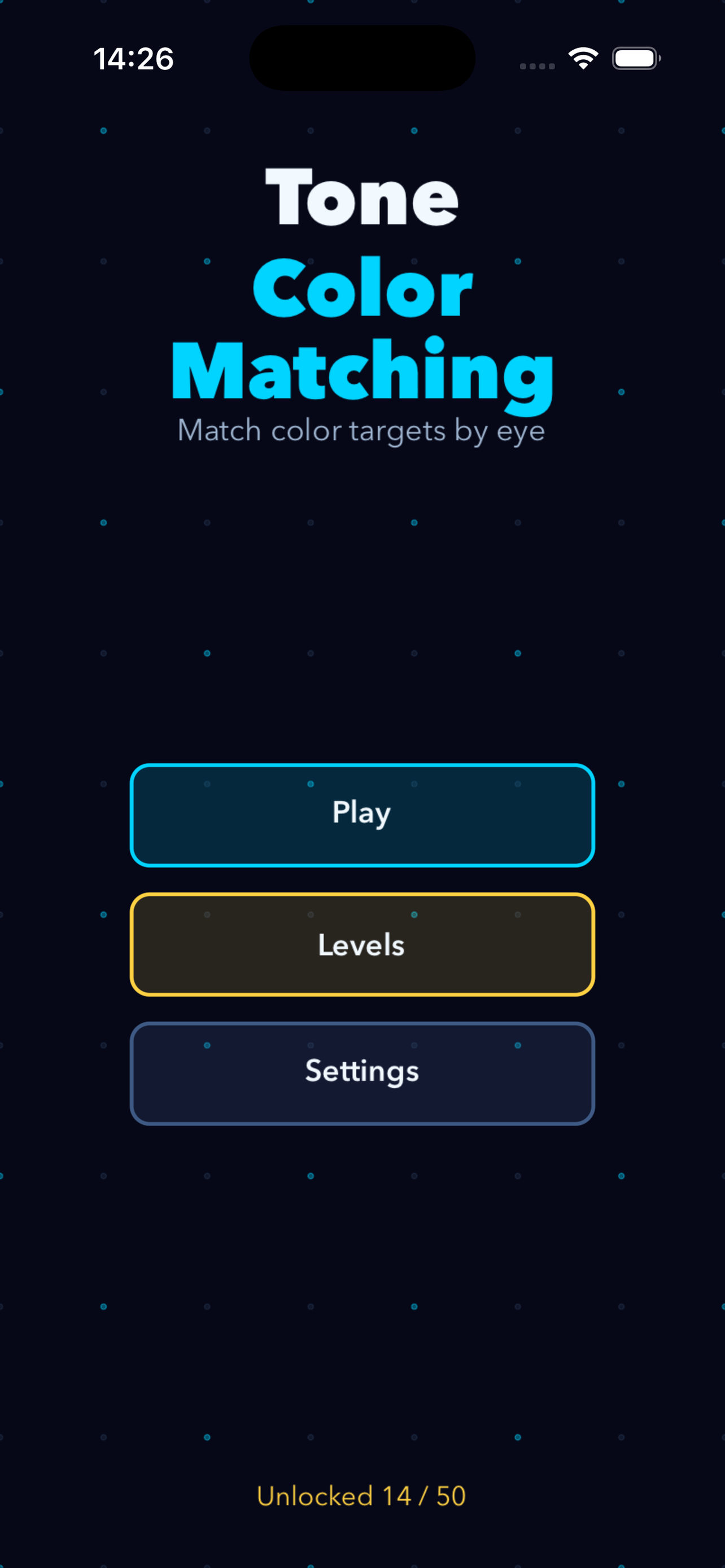
Main Menu
Start playing, browse levels, or adjust settings.
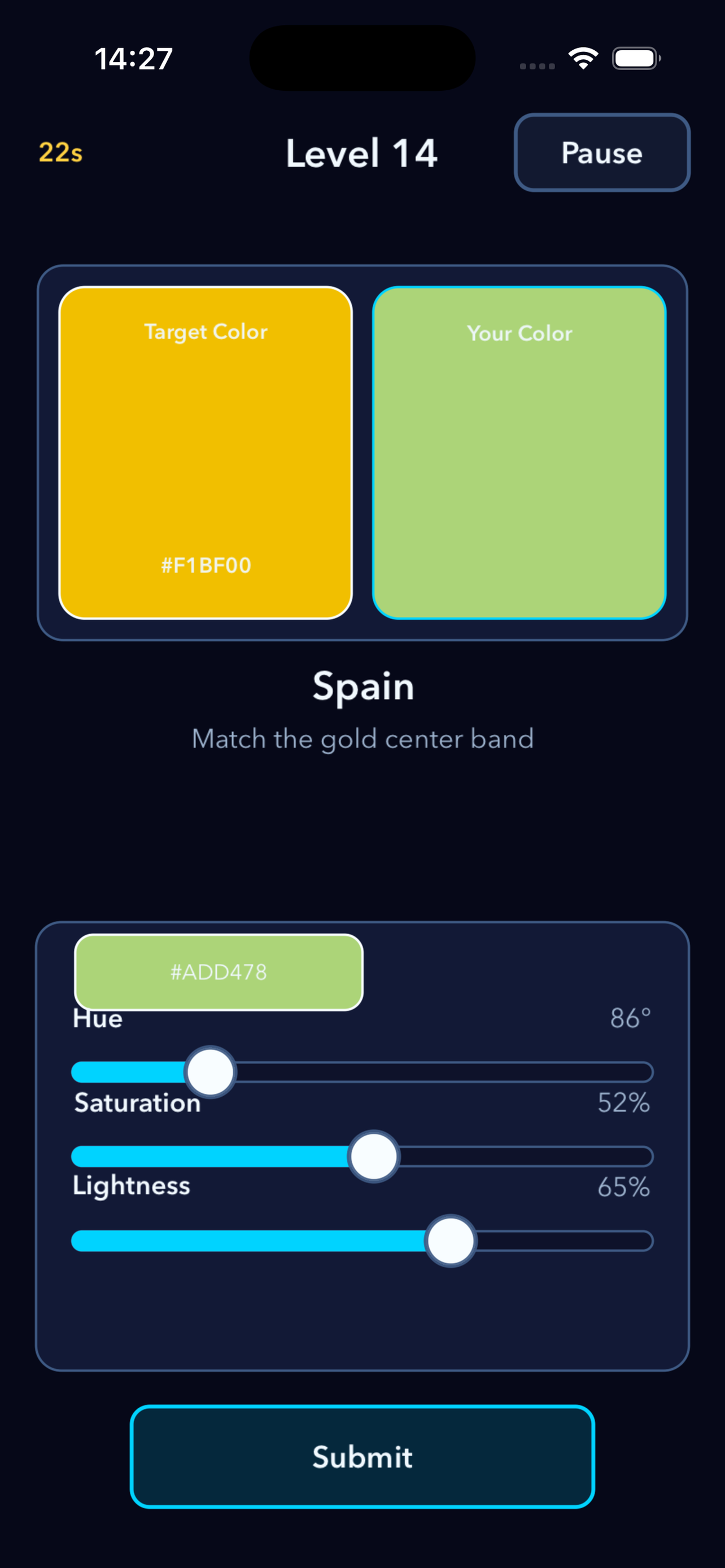
Match the Color
Drag HSL sliders to match the target color.
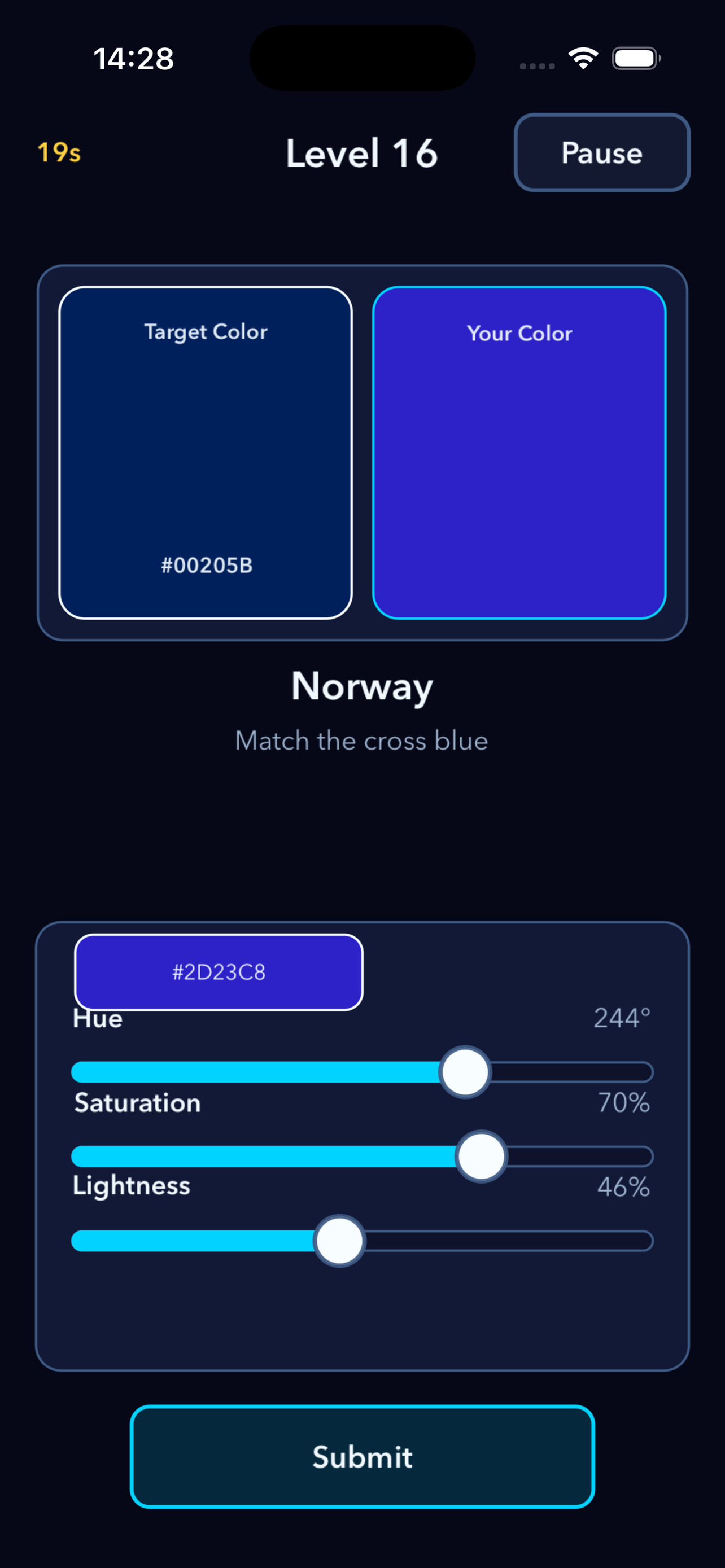
Level Select
50 levels across 5 themed sets with star ratings.
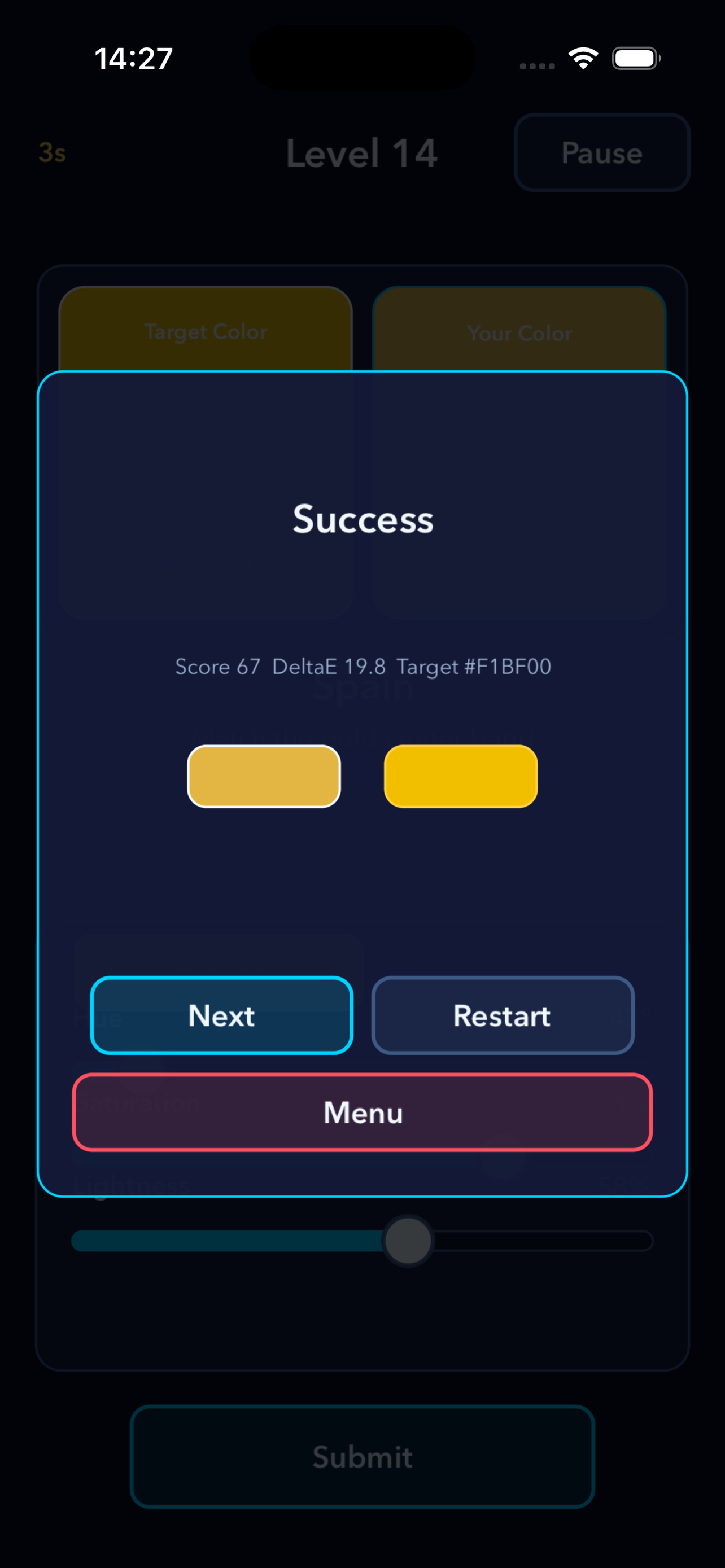
Result
See your color vs the target, DeltaE, score, and stars.
About Tone Color Matching
Tone Color Matching is an offline color matching puzzle built with SpriteKit. Each level presents a target color, and your task is to recreate that color as accurately as possible using Hue, Saturation, and Lightness sliders.
Progress through 50 levels organized into five themed sets. Early levels show a preview of the target color and a memory hint. Later levels hide the preview, challenging you to recall the exact shade from memory.
Your score is based on DeltaE, the scientific color difference metric. The closer your color is to the target, the higher your score and the more stars you earn.
How to Play
Read the Brief
Each level shows the target name and a short hint describing the color.
Study the Target
Levels 1-5 show a preview swatch. Levels 6+ hide it, testing your color memory.
Adjust Hue
Drag the Hue slider (0-360 degrees) to find the right color family.
Set Saturation
Drag the Saturation slider (0-100%) to control color intensity.
Set Lightness
Drag the Lightness slider (0-100%) to make the color darker or lighter.
Submit & Score
Tap Submit. Score is based on DeltaE. Earn 1-3 stars and unlock the next level.
Support
How do I play?
Read the brief, study the target, drag the HSL sliders, and submit your color match.
Does it need internet?
No. Tone Color Matching is fully offline. No accounts, no ads, no tracking.
Need help?
Visit the App Store product page for support contact after release.